
Freesbe says "Something went wrong"
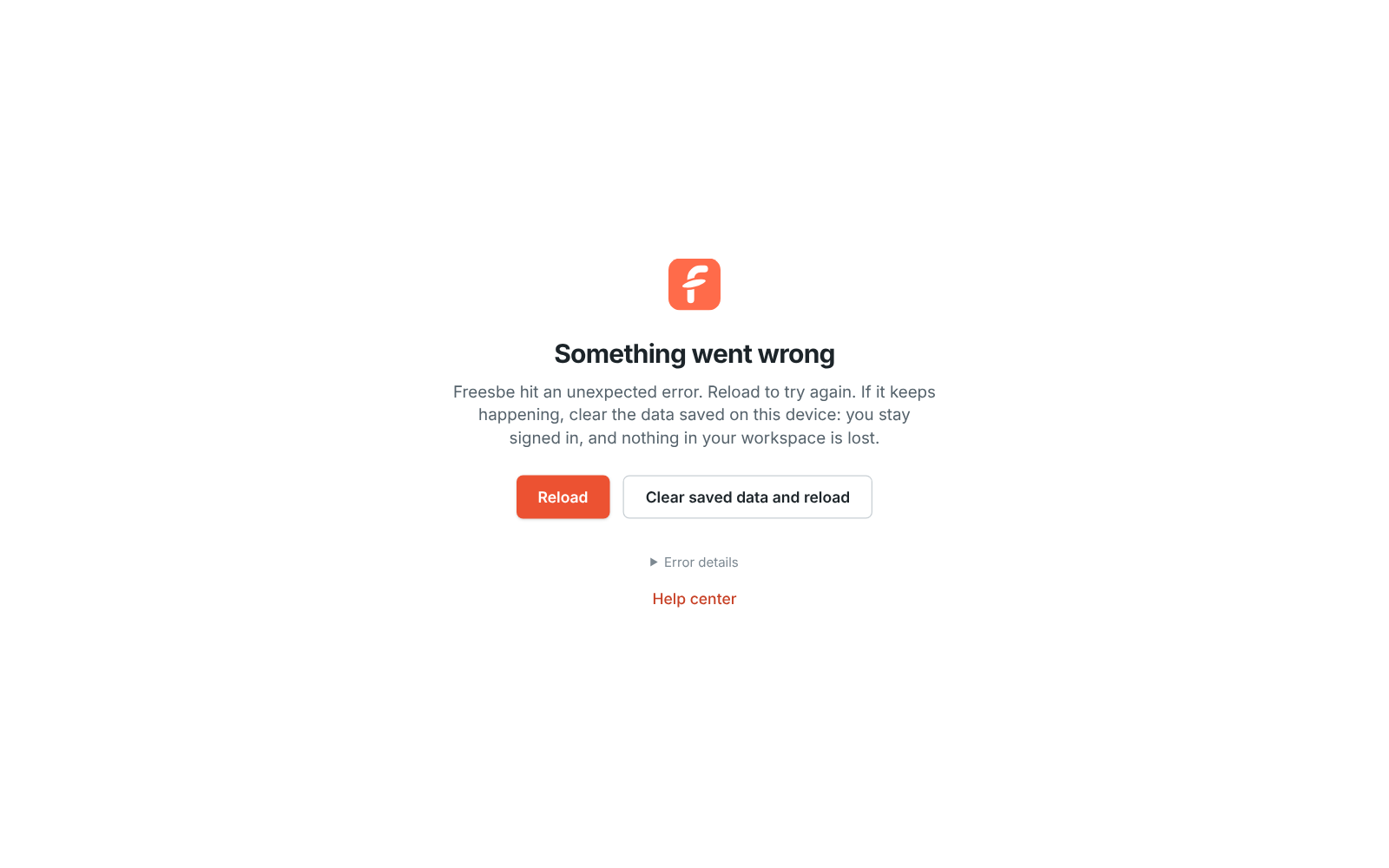
Freesbe hit an unexpected error and shows this screen instead of a blank page.
Fix it
Section titled “Fix it”- Click Reload. Most of the time that’s all it takes.
- If the same screen comes back, click Clear saved data and reload. It deletes the copy of your workspaces that Freesbe keeps on this device to open faster, then loads everything fresh from the server. You stay signed in and nothing in your workspace is lost.
- Still there? Open Error details, copy what it says, and send it to support@freesbe.net with what you were doing when it happened.
Answers come from the Freesbe guides and are written by AI, so check the linked guide before relying on one. Please don't include personal details such as emails or passwords.