For customer support
Help customers in one call, not ten emails.
Freesbe gives support teams team chat, a phone line per agent and support sessions. Send a customer a one-hour link or read out a code. They join from a browser, share their screen, and from the desktop app you can control it with their permission. Clients can also work with you in shared guest channels.
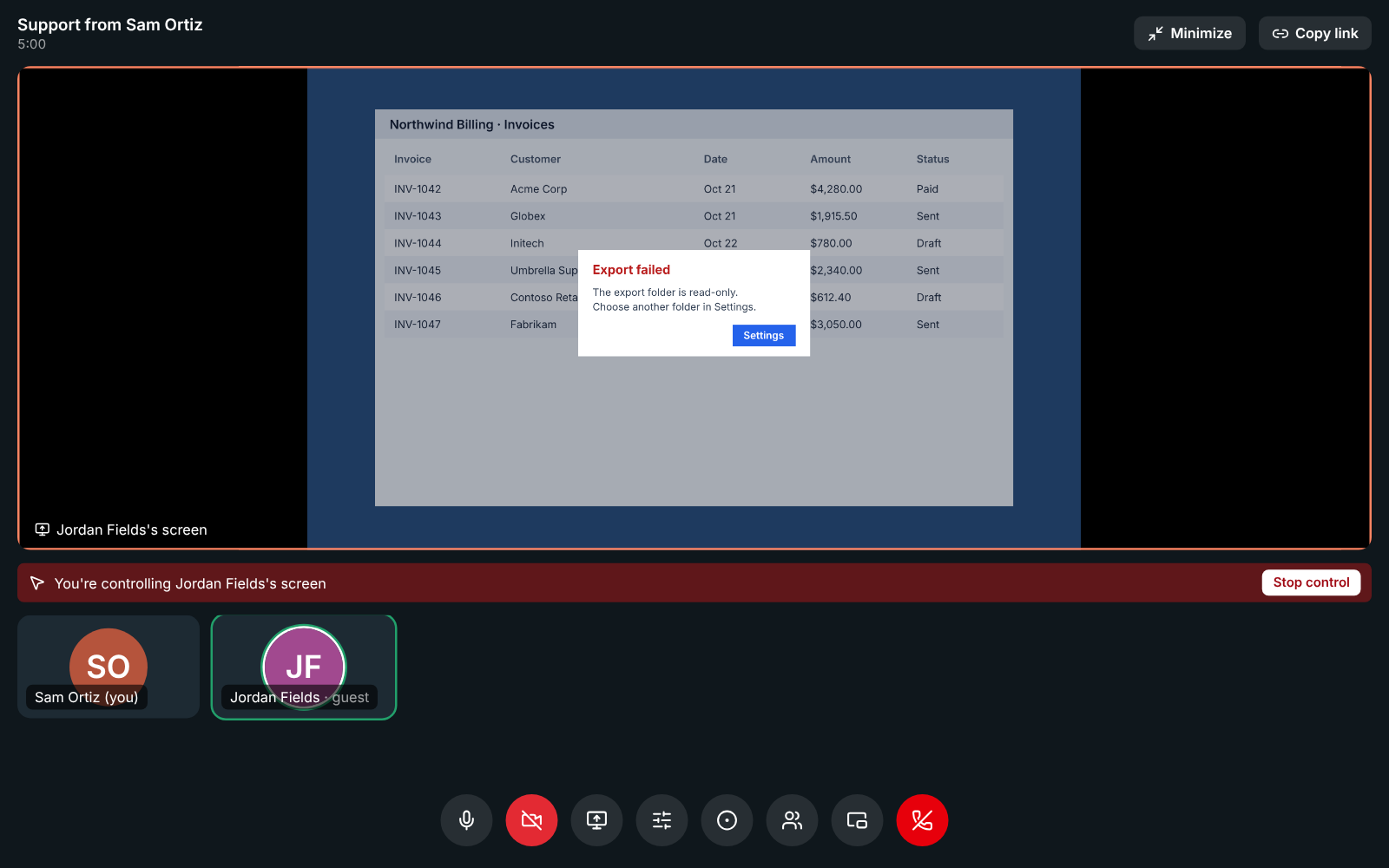
Support sessions from a link or a code
Click Support session and Freesbe gives you a link and a short code, both good for an hour. The customer opens the link, or types the code at app.freesbe.net/join, and knocks. Nobody gets in until you let them in.
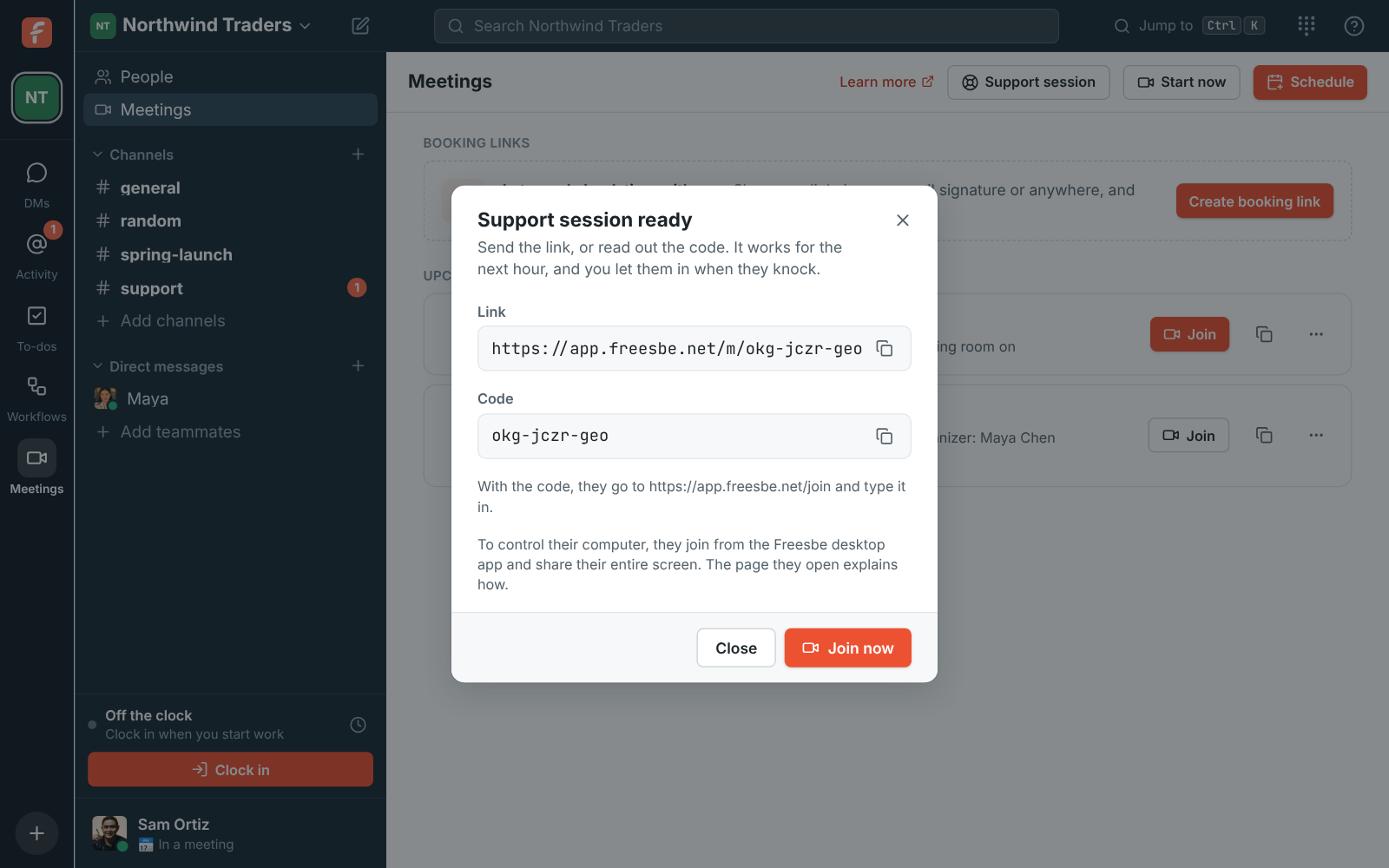
They see your brand, not a stranger's
The customer's page shows your workspace name and logo and who is helping them, with simple steps. It works without an account.
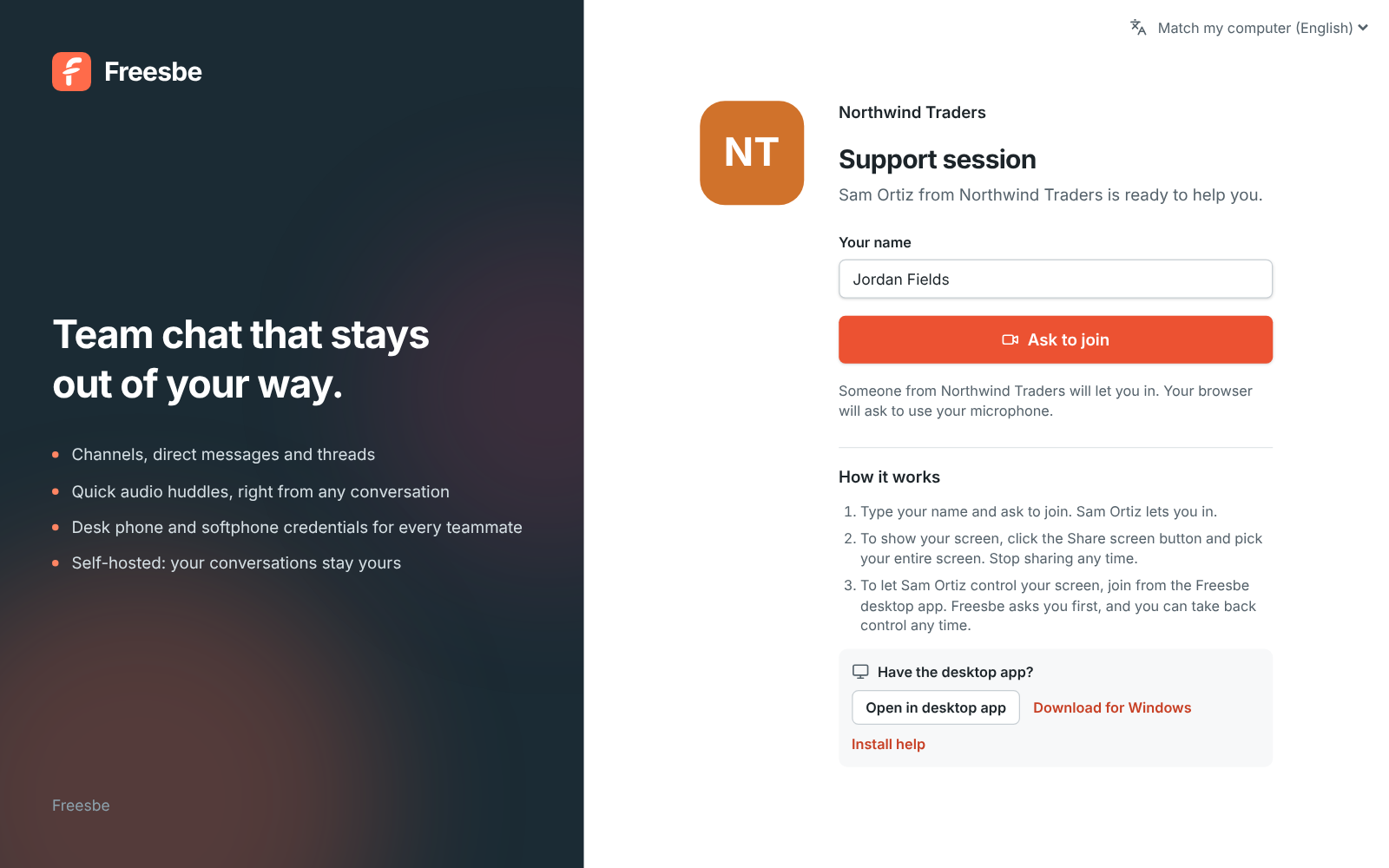
Control their screen, with permission every time
Ask the customer to share their entire screen. If they joined from the Freesbe desktop app, you can ask to control it, and they approve each time. Admins choose whether remote control is on.
- Remote control comes with Corporate and Enterprise
- Customers on an Android phone join from the Freesbe app, and you can control the phone too
- Sessions show in your meetings list with a Support badge
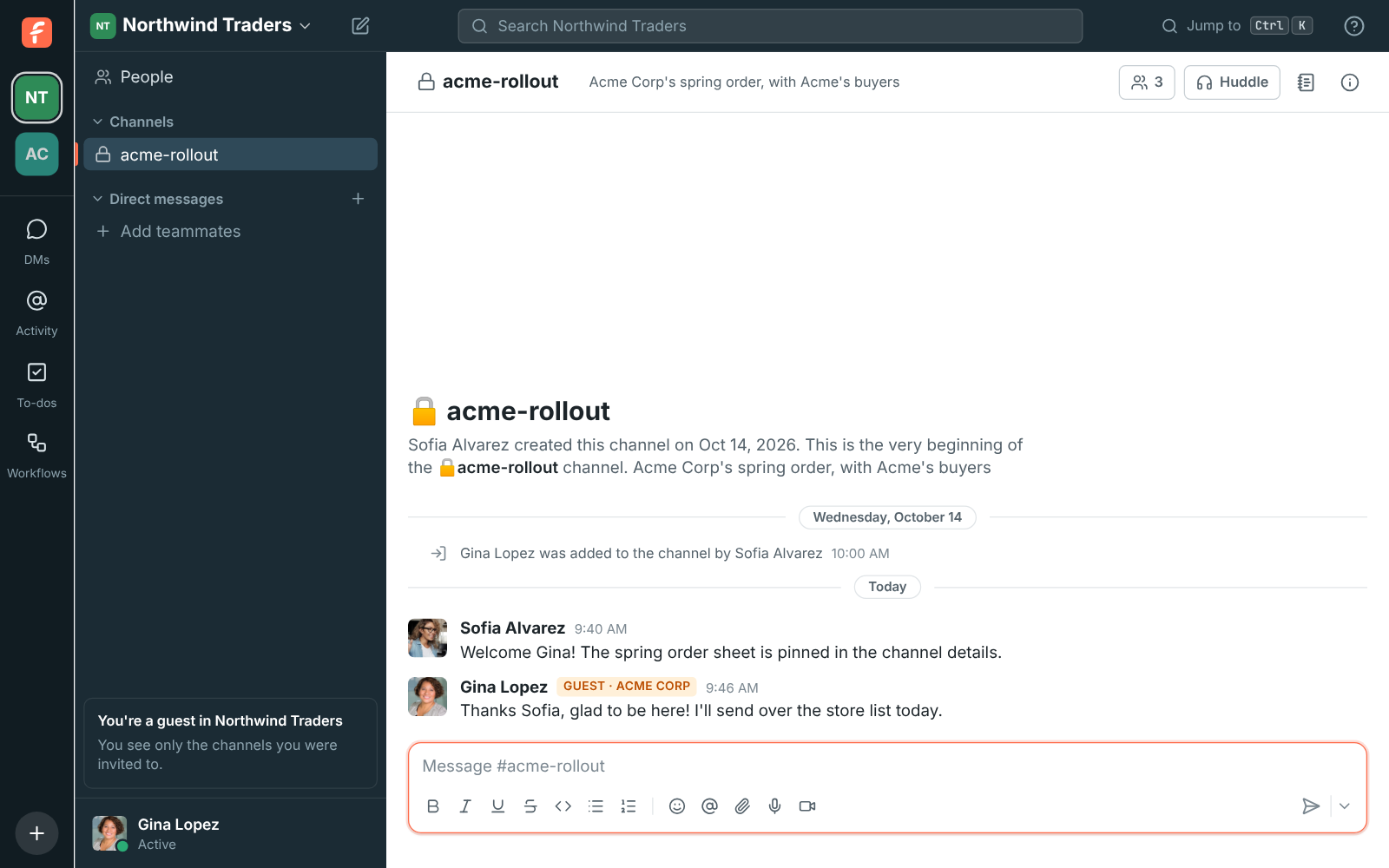
A shared channel per client
Invite a client's team as guests into their own channel. They see only that channel and its people, so your internal talk stays internal. Turn on approval to check each guest before they join.
A phone line for every agent
Connect your sip.io phone system once. Each agent gets SIP credentials for a desk phone or softphone and dials from the app, next to the team's chat and calls.
Questions
- Does the customer need to install anything?
- No, they can join from a browser and share their screen. To let you control their computer, they join from the Freesbe desktop app instead.
- How long does a support link last?
- An hour from when you start the session. Each session has a waiting room, so nobody joins without you.
- Which plan do support teams need?
- Support sessions and guests come with Business. Remote control, required SSO and phone and chat support for your own team come with Corporate ($7 per person a month, billed yearly).
- Can customers be in a channel with us?
- Yes. Invite them as guests into a channel. They can post, reply, share files and join huddles there, and can't see anything else.